Internationalization with NextJS+Tina
Overview
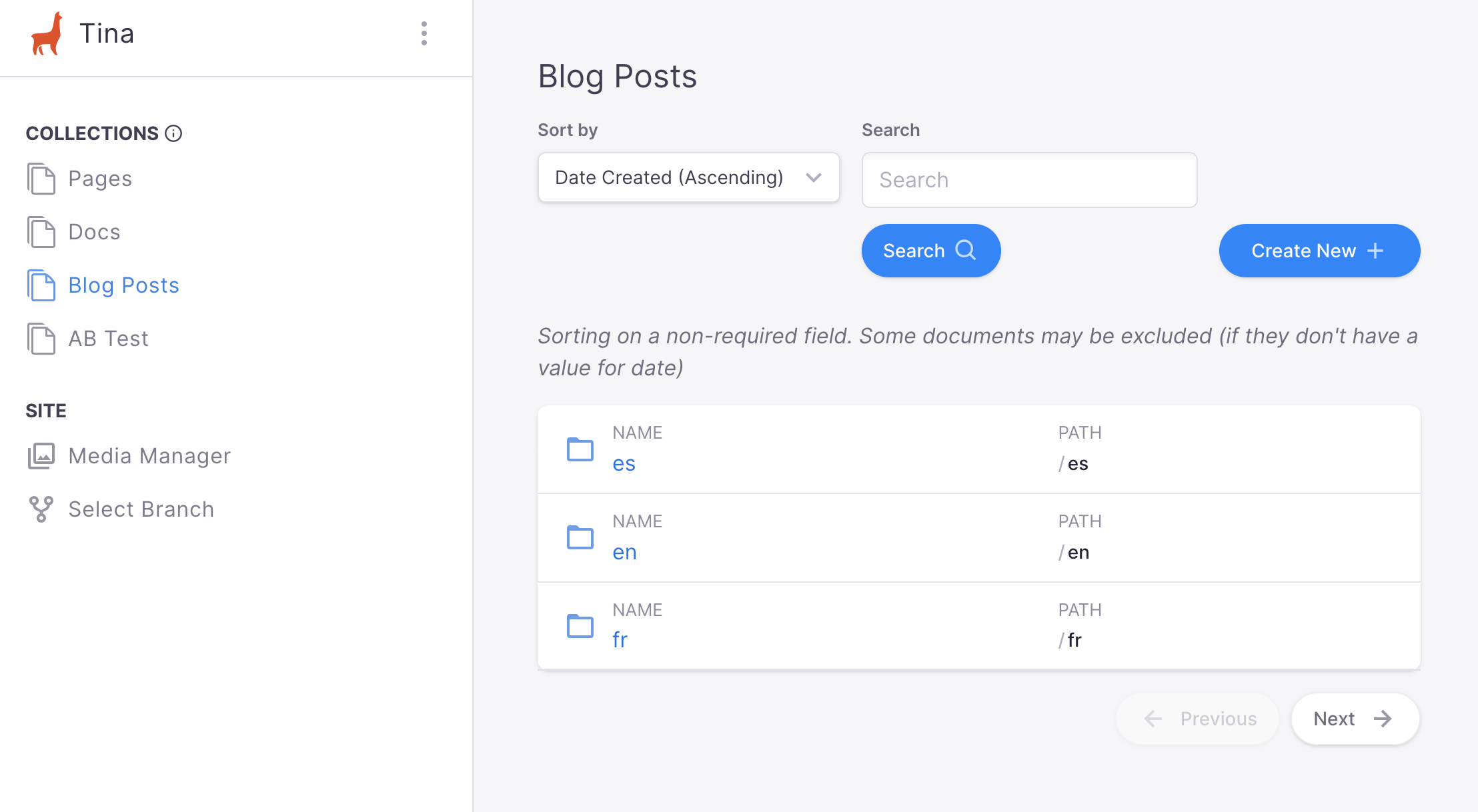
Here at Tina, we are still working on our built-in solution for internationalizing your website.
However, for those users that need a simple solution and are willing to navigate a few hurdles, we do have a potential workaround utilizing content sub-folders.
Prerequisites
For this solution, we're going to leverage an advanced feature offered by Next.js: internationalized routing.
https://nextjs.org/docs/advanced-features/i18n-routing
While Next.js is used in our solution, other frameworks could be substituted as long as they offer similar features.
In this Guide
- Updating the
next.config.jsonto supporti18nlocales - Modifying
getStaticPathsto buildlocale-aware paths - Modifying
getStaticPropsto includelocalein therelativePath - Creating
locale-ready Documents in the CMS
Update next.config.js
First off, we'll need to add the i18n section to the next.config.js along with both locales and a defaultLocale:
https://nextjs.org/docs/advanced-features/i18n-routing#getting-started
Note:defaultLocaleprovides a fallback for any unsupported locales.
/*** next.config.js*/module.exports = {...i18n: {locales: ['en-US', 'fr', 'nl-NL'],defaultLocale: 'en-US'}...}
Modify getStaticPaths()
Given that we're adding i18n support to the post collection, we'll be updating getStaticPaths inside /pages/post/[filename].tsx.
/*** /pages/post/[filename].tsx*/import { client } from '../[pathToTina]/tina/__generated__/client'// ...// `locales` is provided to `getStaticPaths` and matches `locales` in the `config`const getStaticPaths = async ({ locales }) => {const postConnection = await client.postConnection();const paths = [];// for each `post` document...postConnection.data.edges.map((post) => {// ensure a `path` is created for each `locale`locales.map((locale) => {paths.push({params: { filename: post.node._sys.filename },locale,});});});return {paths,fallback: true,}}
Modify getStaticProps()
Next, we'll want to update getStaticProps to include locale as part of the relativePath.
/*** /pages/post/[filename].tsx*/// `locale` is provided alongside `params`const getStaticProps = async({ params, locale }) {const tinaProps = await client.BlogPostQuery({// compose `relativePath` where `locale` is a sub-folder to the `post`relativePath: `${locale}/${params.filename}.mdx`,});return {props: {...tinaProps}}}
Create Locale-Ready Documents
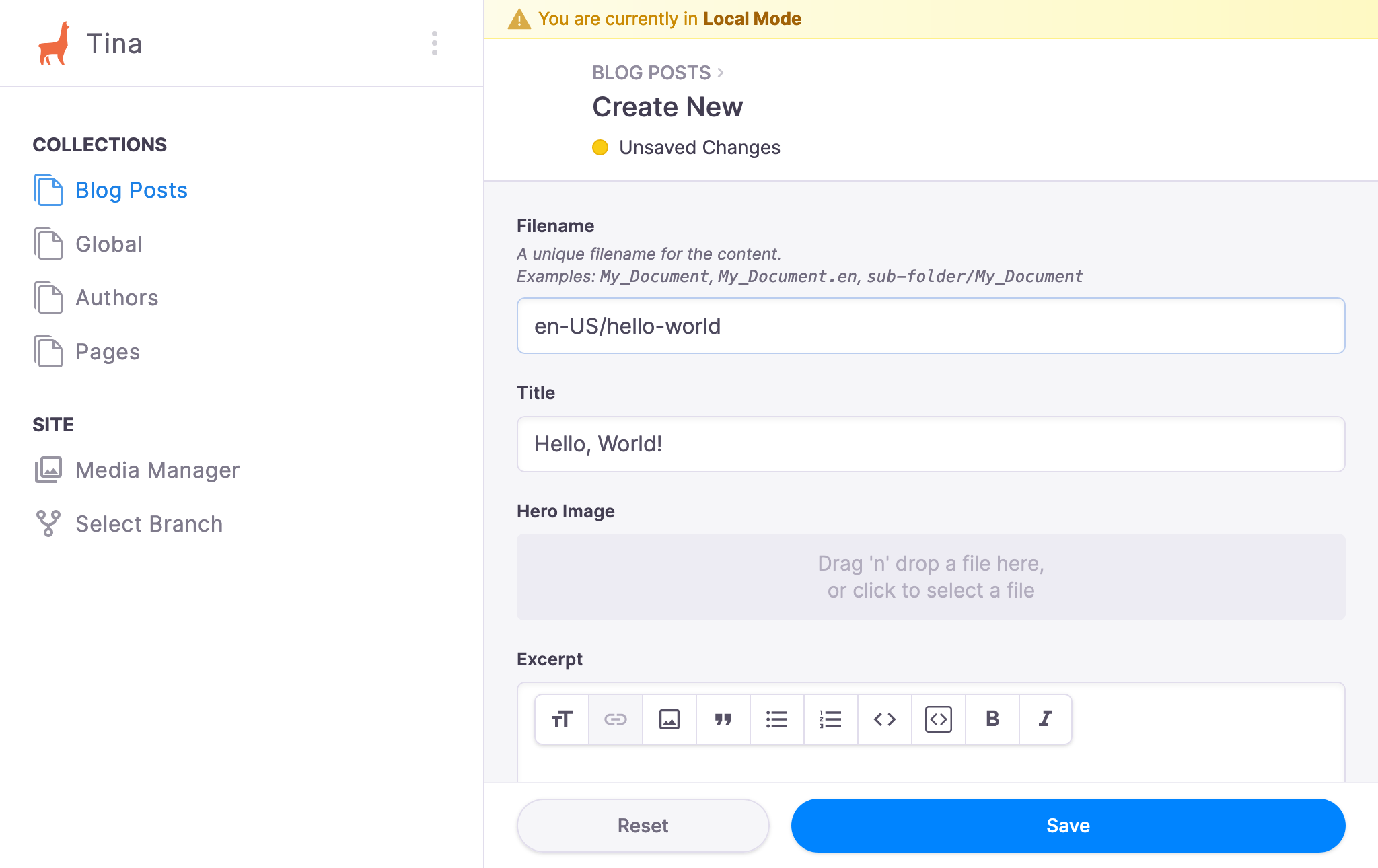
Now, we'll venture into the CMS either through the Global Nav or directly via /admin.
For our example, we'll want to create three versions in our post collection by modifying the filename field to include each locale as a sub-folder:
en-US/hello-worldfor our "English (United States)" versionfr/hello-worldfor our "French" versionnl-NL/hello-worldfor our "Netherlands" version
Testing
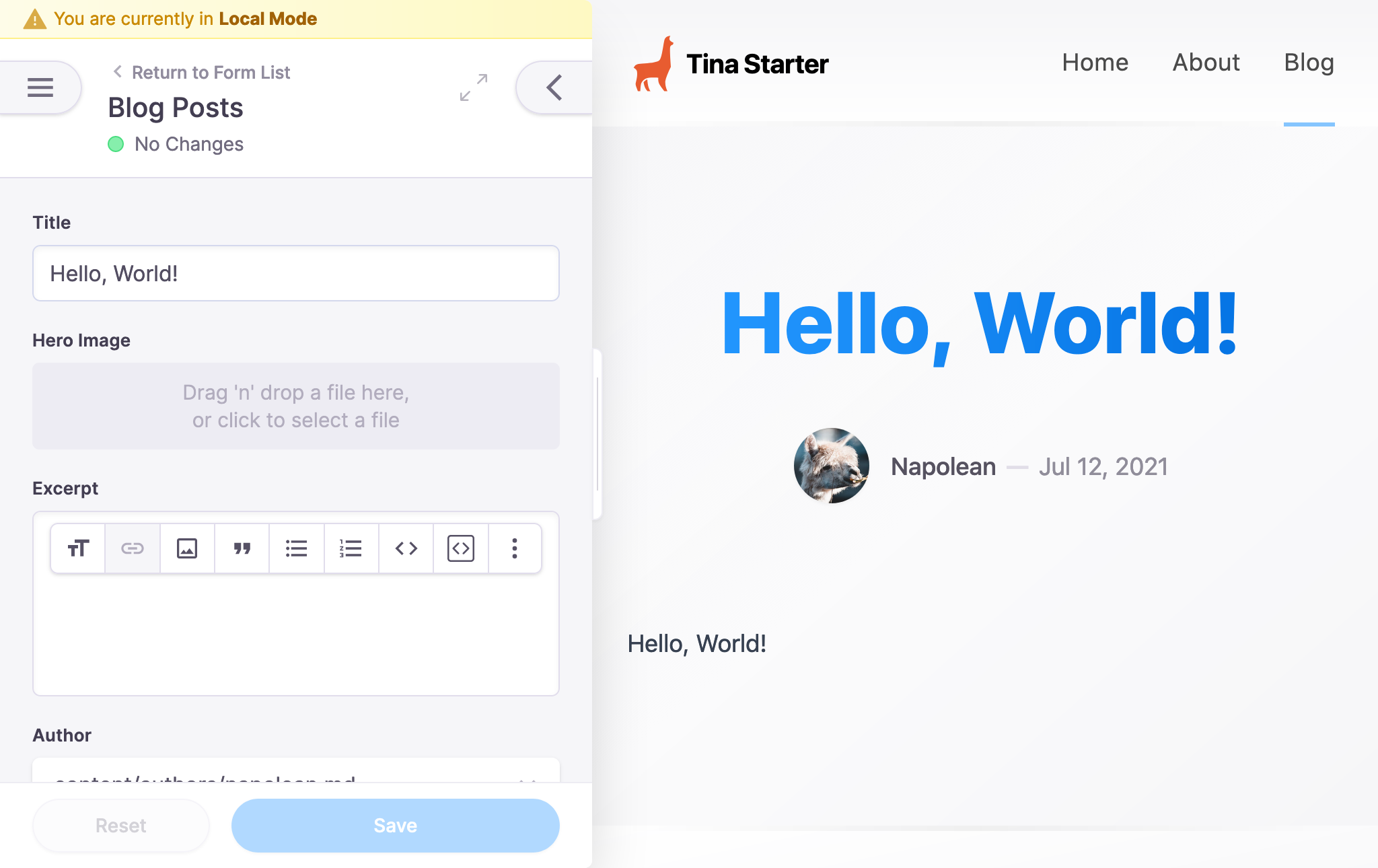
With our Documents created, we can confirm that the correct Document is loaded based on the user's locale by adding a console.log to getStaticProps:
/*** /pages/post/[filename].tsx*/// `locale` is provided alongside `params`const getStaticProps = async({ params, locale }) {// console out the `locale`console.log('locale', locale)// compose `relativePath` where `locale` is a sub-folder to the `post`const relativePath = `${locale}/${params.filename}.mdx`const tinaProps = await client.BlogPostQuery({relativePath,});return {props: {...tinaProps}}}
The output will appear in the CLI console:
- Visiting
http://localhost:3000/post/hello-world
locale en-US
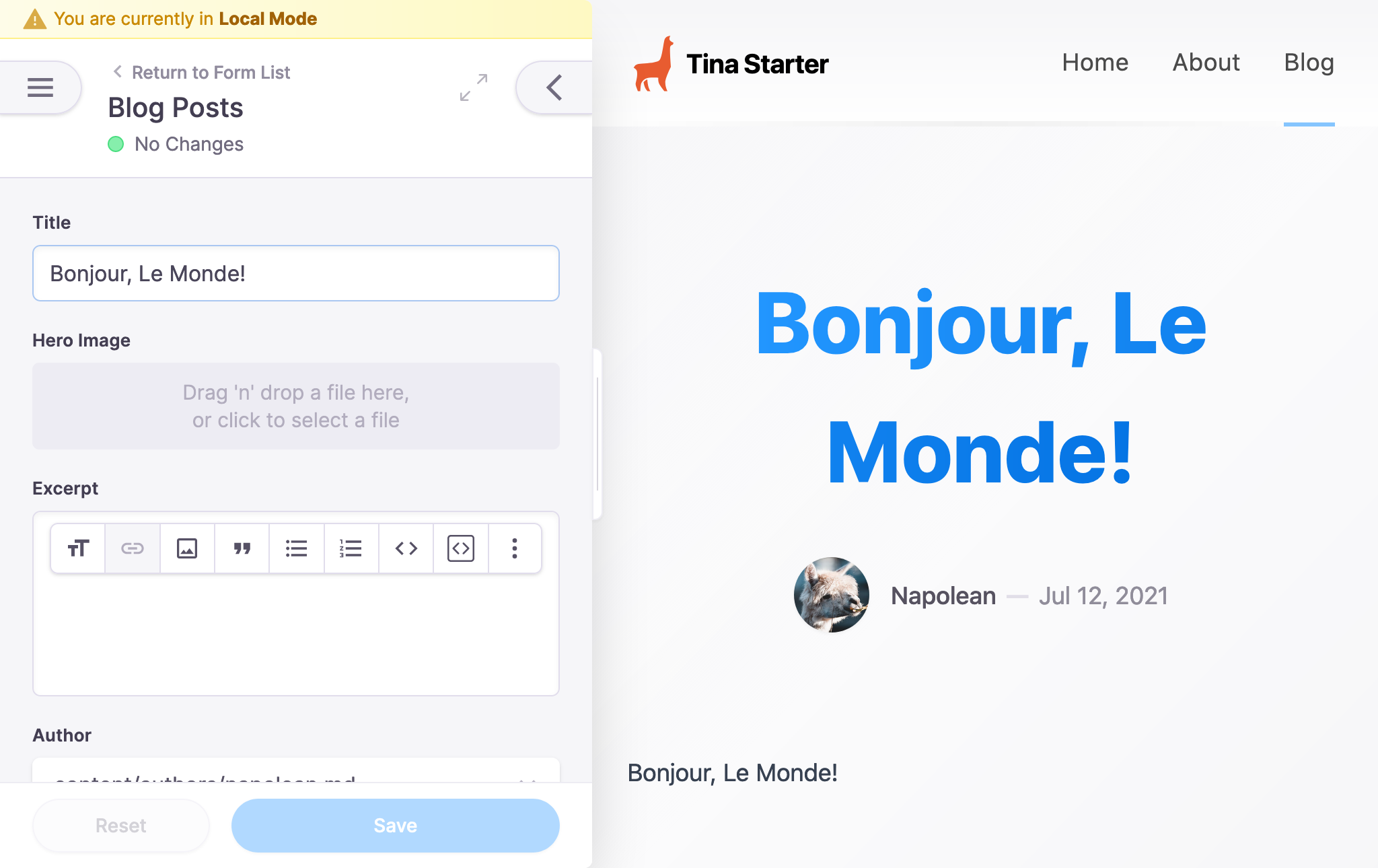
- Visiting
http://localhost:3000/fr/post/hello-world
locale fr
Next Steps
From this point, we can explore more of what Next.js offers including:
https://nextjs.org/docs/advanced-features/i18n-routing#accessing-the-locale-information
- Using
useRouter()to attachlocaleinformation to the app - Using
next/linkwith alocaleprop to influence navigation to alocale