Astro + TinaCMS Setup Guide
TinaCMS runs side-by-side with Astro, with first-class visual editing that needs no React in your page tree. It ships as @tinacms/astro, a vanilla-Astro rich-text renderer plus a one-line integration.
Getting Started
There are 2 ways to set up TinaCMS with Astro.
- Option 1: Scaffold from the starter template (best for new projects).
- Option 2: Add TinaCMS to an existing Astro site with
tinacms init.
Examples use pnpm. On npm or yarn, swap the commands:pnpm devbecomesnpm run devoryarn dev;pnpm add xbecomesnpm install xoryarn add x.
Option 1: Scaffold from the starter template
npx create-tina-app@latest --template tina-astro-starter
Enter a project name when prompted. Then move into that folder and start the dev server:
cd your-project-name # the folder you just createdpnpm dev
Leave the dev server running. Open http://localhost:4321/admin/index.html, pick a post, and edit. Visual editing is already wired, nothing else to do. (4321 is Astro's default port; use whatever your terminal prints.)
Option 2: Add TinaCMS to an existing Astro site
From your site's root:
cd your-astro-site # your existing sitenpx @tinacms/cli@latest init
Answer the prompts:
Prompt | Answer |
|---|---|
Which framework is your existing site built with? | Astro |
Choose your package manager | the one your site uses |
Would you like to use TypeScript for your Tina configuration? | Yes |
initadds TinaCMS to an existing site. Run it in an empty folder and it stops and points you to Option 1.
init installs @tinacms/astro + an SSR adapter, wraps your dev / build scripts, and adds new files: a ready-to-edit demo at /tinacms-demo, your tina/ config, and one sample collection. It won't overwrite your content, and it leaves a customized astro.config alone (an empty or default config gets the Tina wiring).
Start the dev server:
pnpm dev
Leave it running. In a browser, open:
- http://localhost:4321/tinacms-demo shows the demo hero. (Different port in your terminal? Use that one.)
- http://localhost:4321/admin/index.html#/~/tinacms-demo opens the editor. Paste the whole URL (
#/~/included). Click the headline or a button: it should highlight and open a form in the sidebar to edit live.
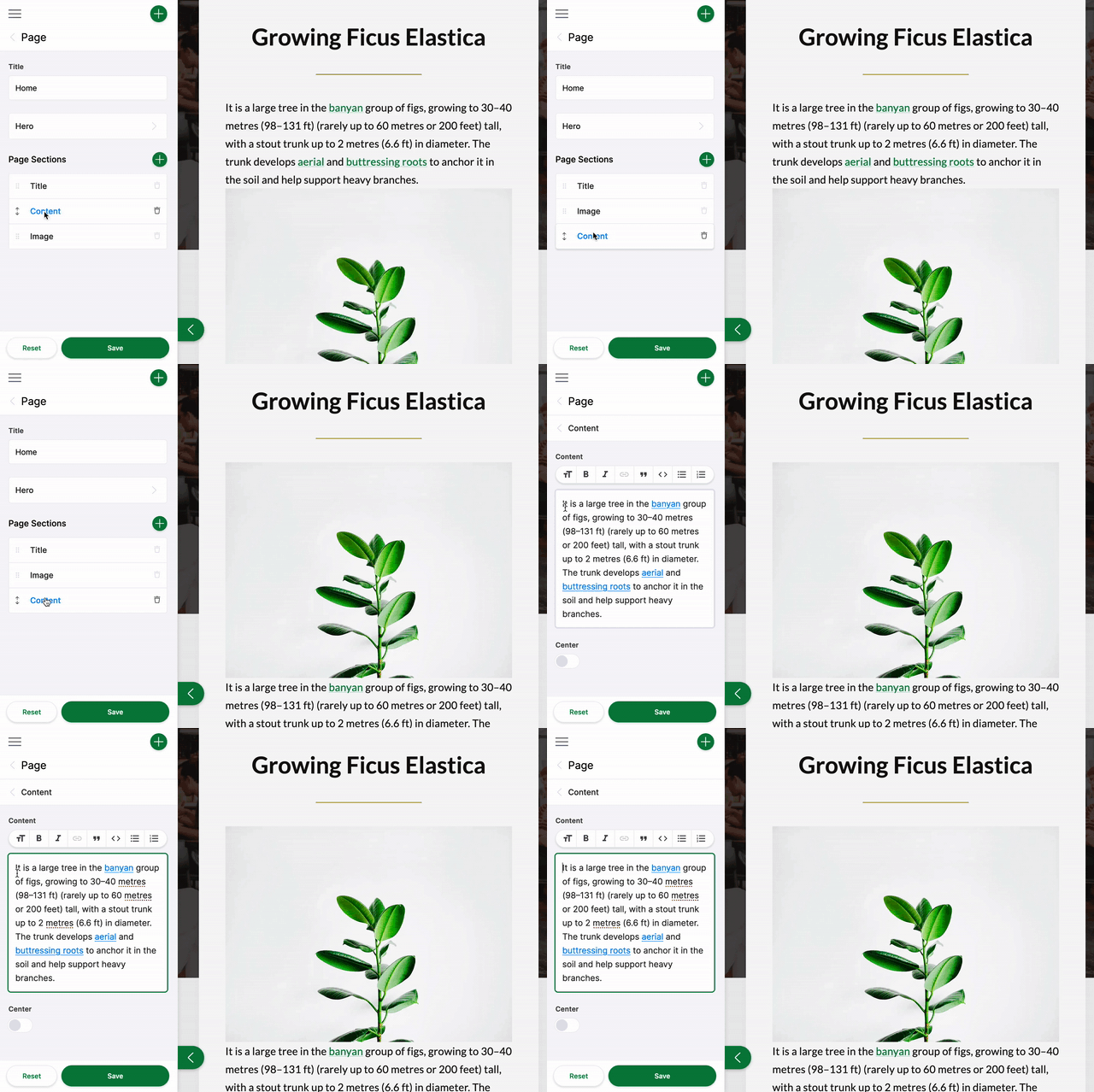
Did clicking open an editable field?
- ✅ Yes (the field highlighted and a form opened).
initwired your config for you. The demo works and also builds and deploys as-is. Next: make your existing pages editable (so far only/tinacms-demois editable). - ❌ No (the page shows but clicking does nothing, or
pnpm buildlater fails with[NoAdapterInstalled]). Yourastro.configalready had content, soinitleft it untouched. Openastro.config.mjs: ifintegrationshas notina(), that's the cause. Wire it in Enabling Visual Editing below, then restart.
Modeling Your Content
Define your collections in tina/config.ts. Each field maps to both the editor UI and your content files. init seeds one collection to start from. Full reference: Content modeling.
Running TinaCMS
From your project's root, start the dev server:
cd your-project # your project folderpnpm dev
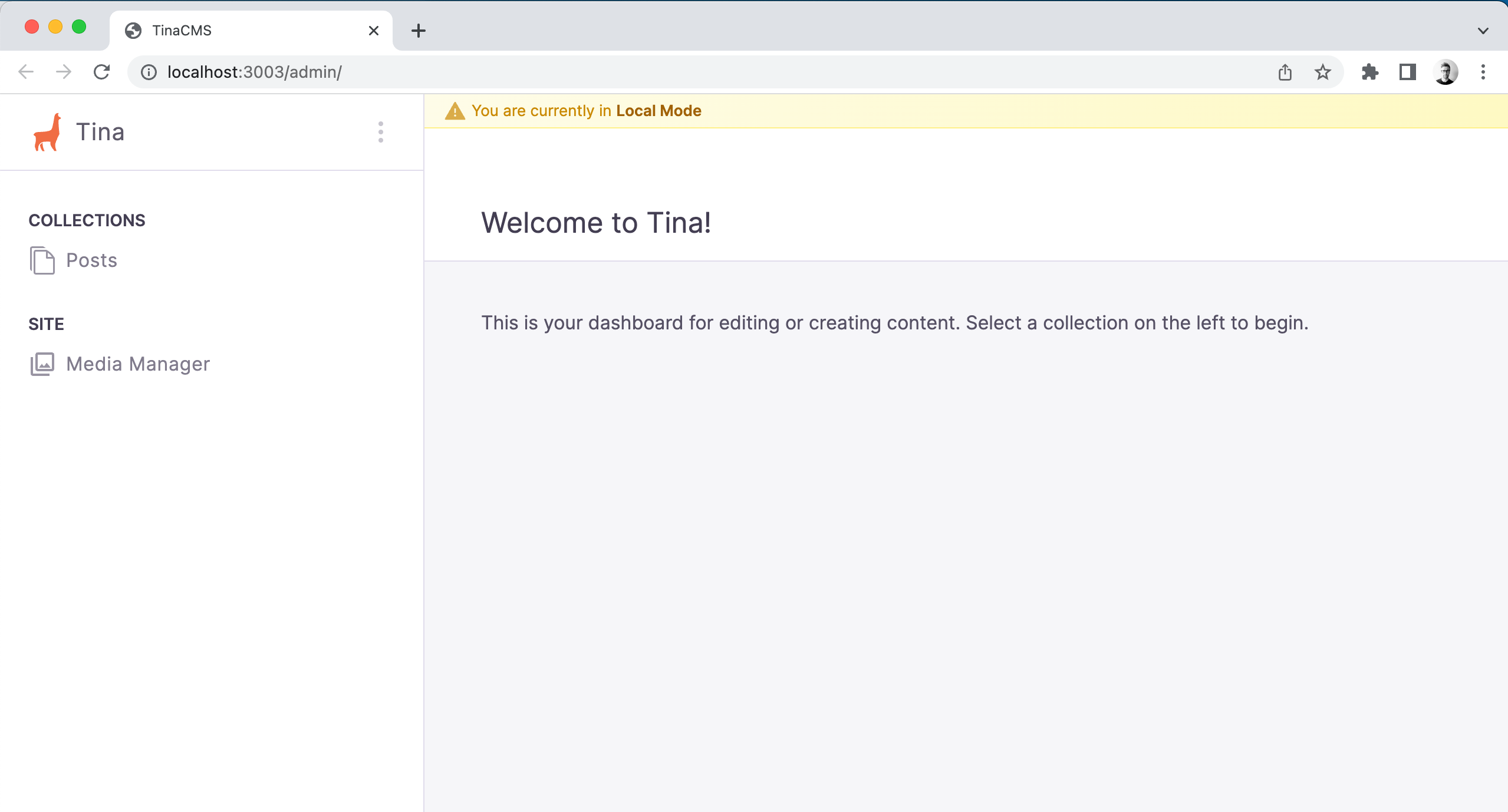
pnpm dev runs TinaCMS and Astro together (it calls tinacms dev -c "astro dev"). The admin lives at:
http://localhost:4321/admin/index.html
Custom port: runpnpm exec tinacms dev -c "astro dev --port 8080", then use that port in the admin URL. Errors? See Common Errors.
You should see the TinaCMS admin, be able to select a post, save, and watch changes persist to your local content files.
Enabling Visual Editing
Existing Astro sites only. Skip this if you scaffolded from the starter (Option 1, tina-astro-starter): visual editing is already wired there. You need it only when init left your existing astro.config untouched (the ❌ case above) or you're wiring up an existing site by hand.
From your existing site's root, install the package and an SSR adapter:
cd your-astro-site # your existing sitepnpm add @tinacms/astro tinacmspnpm add -D @tinacms/clipnpm add @astrojs/node # or @astrojs/vercel / netlify / cloudflare
@astrojs/node is the safe default for local editing. Match it to your host (Vercel, Netlify, Cloudflare) when you deploy.
Add the Tina integration and an SSR adapter to astro.config.mjs. If you already have an integrations array or an adapter, keep them and just append tina().
Not sure how to merge it? Copy the versioninitprinted in your terminal, or compare your file against the snippet below and keep your existing integrations and adapter.
import { defineConfig } from 'astro/config';import tina from '@tinacms/astro/integration';import { tinaAdminDevRedirect } from '@tinacms/astro/vite';import node from '@astrojs/node';export default defineConfig({output: 'server',adapter: node({ mode: 'standalone' }), // or your existing adapter (Vercel, Netlify, ...)integrations: [tina()], // append tina() to your existing arrayvite: {plugins: [tinaAdminDevRedirect()], // lets /admin work in dev// Optional: only needed for SSR builds, not fully static sites.ssr: { noExternal: ['@tinacms/astro', '@tinacms/bridge'] },},});
Then stop and restart the dev server (Astro doesn't reload config changes):
# Ctrl-C, then:pnpm dev
Whyoutput: 'server'and an adapter? The editor refetches each region from an on-demand route.output: 'server'is simplest;output: 'static'also works if every editable region is wrapped in<TinaIsland>. See Static-site editing.
Make your existing Astro pages editable
Right after init, /tinacms-demo is the only page wired for Tina editing. It's a working template for the rest of your site: copy the same pattern into your existing pages and components. (An island is just an editable section of a page.) Each editable page wires these five things, all scaffolded for the demo:
- A field in your schema (
tina/config.ts): whatever you want to edit. - A data loader: wrap the query in
requestWithMetadata(). - An island registry entry for the region.
- The per-island endpoint:
src/pages/tina-island/[name].ts(handles every region; keep itsexport const prerender = false). <TinaIsland>andtinaField(): wrap the region and stamp the clickable elements. (ImportTinaMarkdownfrom@tinacms/astro/TinaMarkdown.astro, the subpath, or Astro won't compile it.)
Full walkthrough with code for each: Visual Editing Setup → Astro. It has the exact file names and patterns to follow when you move from the demo to your real pages.
Project Structure
init (and the starter) organize visual editing around these files:
tina/config.ts: your collections (schema); generates the typed client.src/lib/tina/data.ts: per-collection fetchers, each piped throughrequestWithMetadata().src/lib/tina/islands.ts: the registry of editable regions.src/pages/tina-island/[name].ts: the on-demand endpoint the bridge refetches, viaexperimental_createIslandRoute(islands).src/components/tina/*.astro: Astro renderers using<TinaMarkdown>andtinaField().astro.config.mjs: registerstina(); the middleware injects the bridge automatically.
See Visual Editing Setup → Astro for the full architecture.
Next Steps
- Visual Editing Setup → Astro: the integration, per-island refetch, and custom MDX embeds
- Migrating from React-based Visual Editing: existing sites on the old
client:tinapath
Questions? Join the TinaCMS Discord.
See Also
- Next.js setup guide: Using TinaCMS with Next.js
- Hugo setup guide: Using TinaCMS with Hugo
- Self-hosting options: Host TinaCMS on your own infrastructure